
First move. A drum bus is just a shared track for your drums. Change its volume or add an effect, and the whole kit changes together.
Jump to a fix
One track. The whole kit.
Send the kick, snare and hi-hats to one shared track. Keep their individual tracks so you can still turn each sound up or down.
Start with the bass separate. It is easier to get the drums right when a long 808 is not going through the same effects.
Give each effect one job.
Muffled drums? Try EQ.
EQ lets you turn parts of a sound up or down, like a more detailed bass and treble control.
Hits jumping out? Try compression.
A compressor turns loud parts down. Use a little and check that the snare still snaps.
Too clean? Try Drive.
Drive adds some crunch. Stop before the hats become harsh.
One bad snare? Fix that snare.
If only the snare sounds wrong, change the snare track. An effect on the whole group will change the kick and hats too.
If the whole kit needs the same change, use the group track.
Keep the glue. Keep the snap.
Turn the compressor off and on at roughly the same volume. Does the kit feel better together? Or did the snare just get softer?

Sounds good? Stop adding things.
You do not need a long list of effects. One useful change beats six changes you cannot hear helping.
Save the setup if you like it. Adjust it when you use different drum sounds.
You’re done when...
0 of 3 checked on your own beat.
Try it on your drums
Grit. Warmth. Punch.
Hear what Drum Breaker does, then try it in your own beat.
Meet Drum Breaker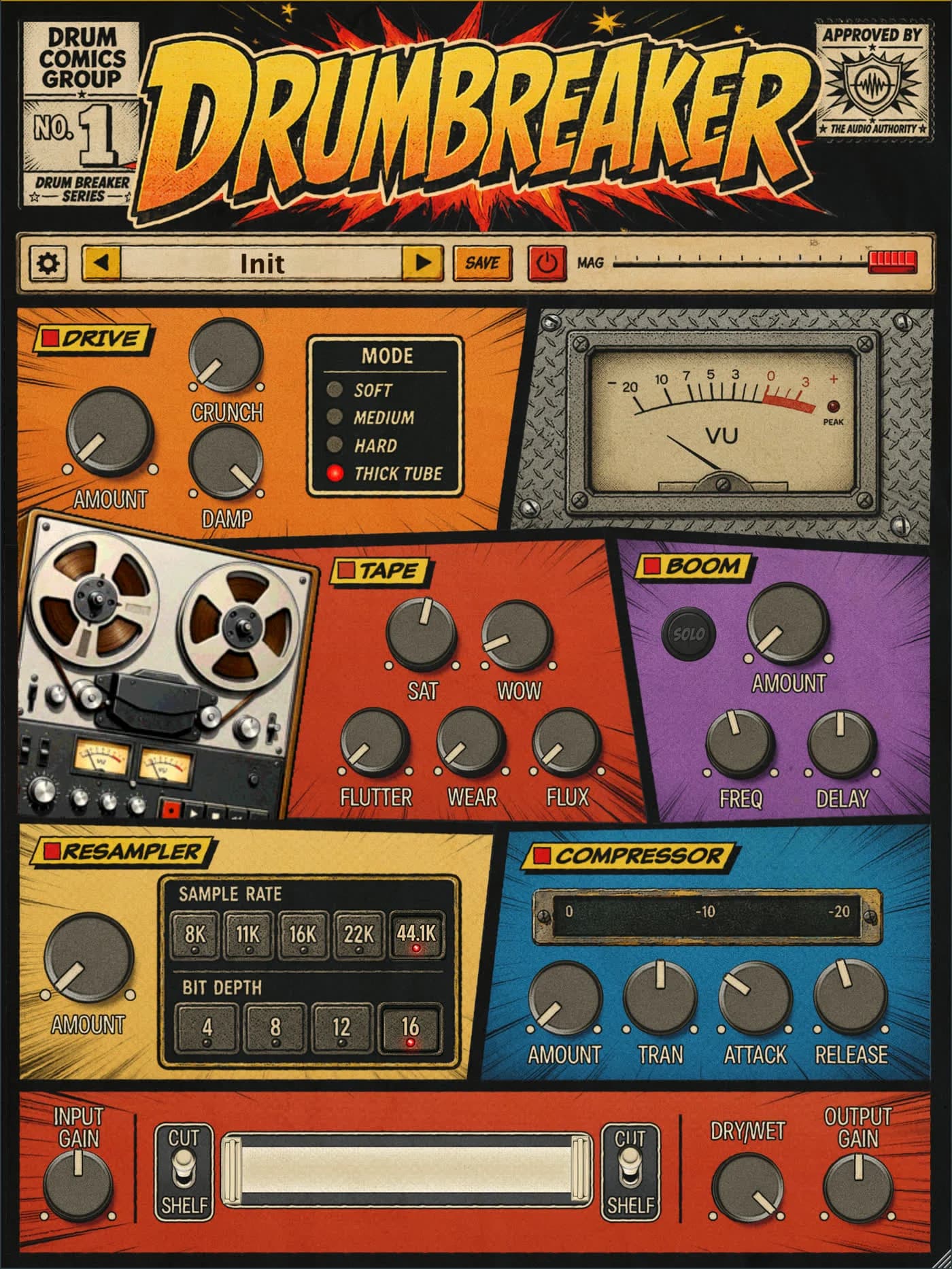
A few quick answers.
What is a drum bus?
One shared track for your drums. It lets you change the whole kit together.
What order should the effects go in?
A simple starting point is EQ, compression, then a little Drive. Skip anything you do not need.
Why did my drums get weaker?
An effect may be taking away the snap. Turn the effects off one at a time to find it.